
A shared calendar works best when everyone knows what goes into it and who updates it. Start with events that affect another person’s time: pickups, appointments requiring transport, visitors or shared plans.
Keep personal detail out of a household calendar unless everyone who can access it should see it. Use a separate shared calendar rather than sharing your entire private schedule by default.
1. Agree on the minimum useful rules
Choose a calendar service everyone can use on their actual devices. Decide who maintains access and who may edit events. Each person should use their own account; sharing a password creates unnecessary confusion.
Agree that the person arranging a plan adds it and updates it when it changes. A chat message can discuss a change, but the calendar entry should reflect the final agreed time.
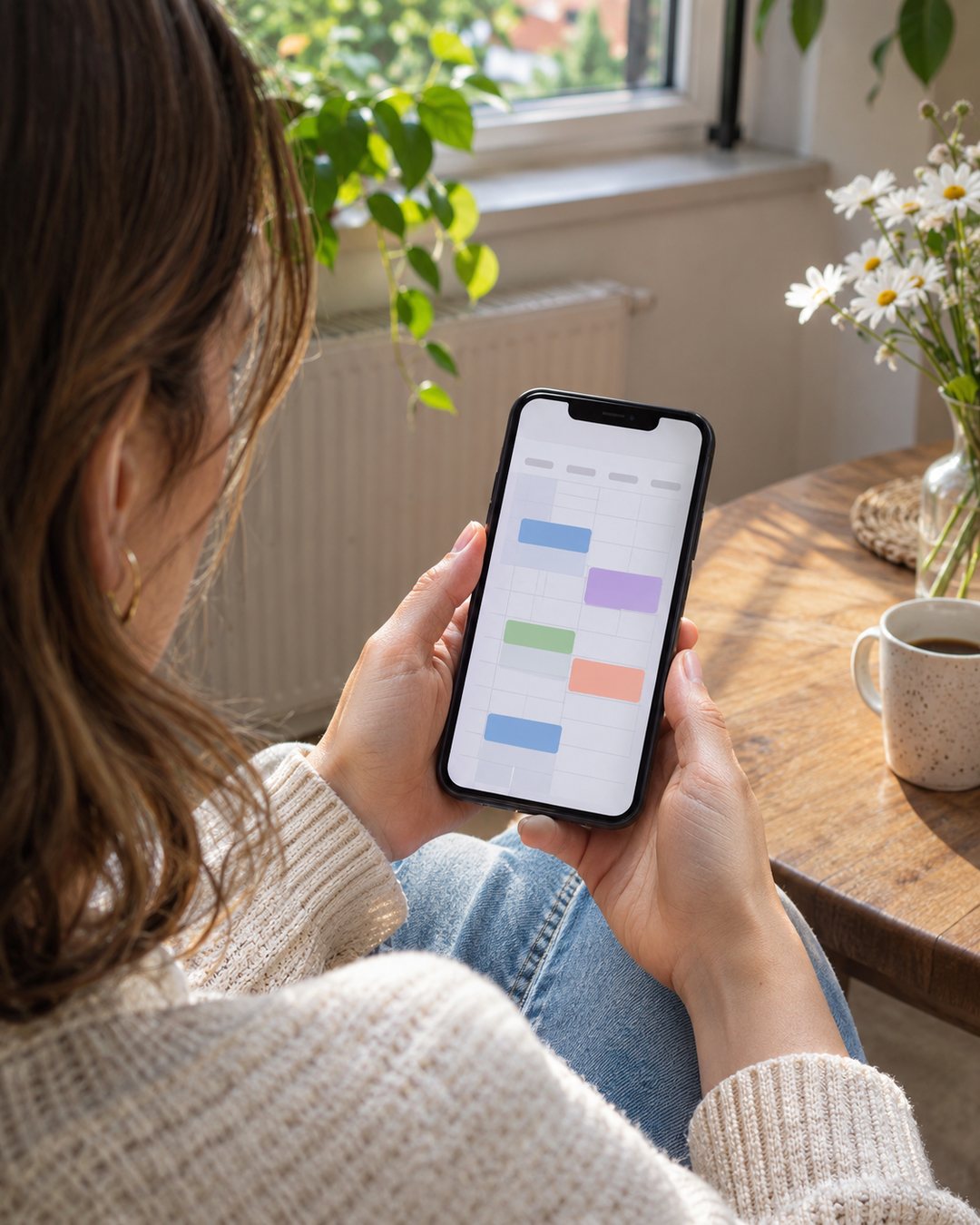
Start with one household calendar. Several overlapping calendars can make a simple pickup harder to find, especially on a small phone screen.
2. Share with specific people
For a Google Calendar example on a computer, open the calendar’s Settings and sharing, find Shared with, and add the intended people. Select permissions appropriate to their role, then send the sharing invitation.
Google’s current permissions distinguish seeing details, editing events and managing sharing. Give editing access to people who need to maintain household events; reserve sharing management for those who should control access.
A work or school administrator may restrict sharing. Do not make the calendar public to work around an account restriction. Ask the administrator or choose an appropriate personal setup.
Have each person open the invitation and confirm the calendar appears in their own account. Check that it is visible on their phone rather than assuming a desktop setup has finished the job.

3. Use an event template that answers practical questions
Copy this structure: Title: action + responsible person. Time: real start and end. Location: where to go. Notes: what to bring, relevant contact and who updates changes.
Invented example: “Pick up groceries — Alex / Thursday 5:30–6:00 p.m. / usual store / bring reusable bags; Alex updates if delayed.” Use only detail the household needs, and confirm the actual store or meeting point where ambiguity matters.
For travel or remote calls, check the event’s time zone. A calendar entry can display a different local time on someone else’s device. For a date-only item, use an all-day event instead of assigning a misleading appointment time.
Set a recurrence only when the pattern is real, and review its end date. School breaks, rotating shifts and temporary arrangements should not turn into forever-events.

4. Test notifications for each account
Google states that notification preferences are personal: your settings do not configure another calendar user’s alerts. Each person should check their event or calendar notification settings.
Create a harmless test event a few minutes ahead and verify the alert on each device people intend to rely on. Desktop alerts depend on browser permissions and Calendar being open; phone delivery also depends on the device’s settings.
If an alert fails, check the correct account, calendar visibility, event notification and device permissions before adding duplicate events. A working test is useful, but no alert should be treated as an unconditional guarantee.
A short weekly check that prevents stale plans
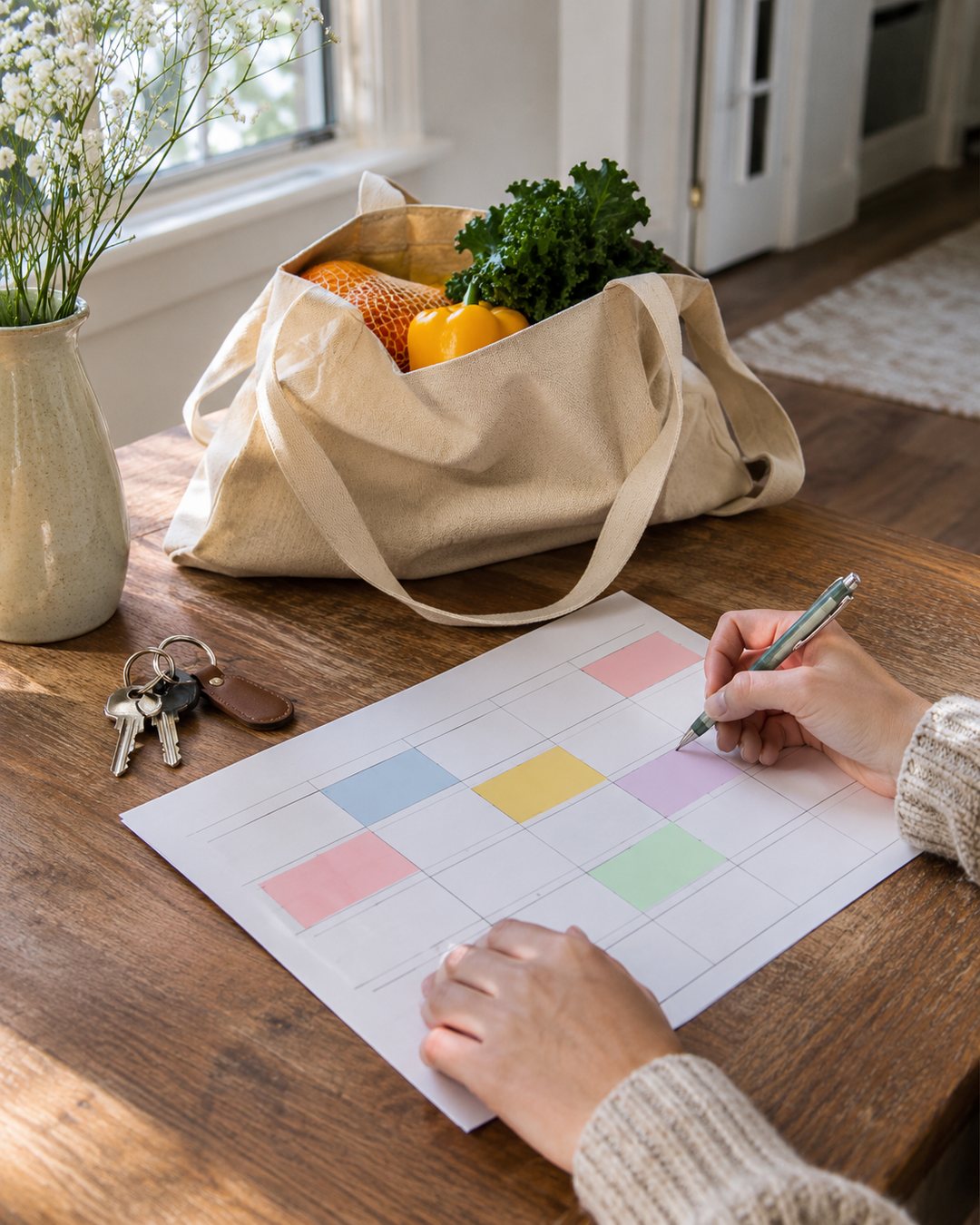
- Look at the coming seven days together.
- Resolve missing times, transport and responsibility.
- Remove canceled plans or mark them clearly according to your agreed routine.
- Check unusual recurrence dates and time zones.
- Confirm who updates any unresolved event.
For a recurring personal deadline, our subscription reminder guide shows how to separate a decision date from the event itself.
Official references, checked November 4, 2026: sharing a Google calendar; access permissions; personal notification settings. The household rules and example above are original planning suggestions.
Images are AI-generated illustrations, not screenshots or evidence of tested products or a real household’s records.