Why Your Bluetooth Headphones Keep Switching Devices

Check whether the headphones changed source or the app changed output. Then test automatic switching and multipoint separately before resetting anything.
Smart Ideas for a Better Life
Clear guides to home Wi-Fi, computers, backups, and connected devices.
Check whether the headphones changed source or the app changed output. Then test automatic switching and multipoint separately before resetting anything.

Test power, input switching and navigation separately. HDMI-CEC can simplify a compatible setup, but one working command does not prove that every button is supported.

Compare one scene, choose a speech-focused sound mode and check the device actually playing the sound before turning the volume up again.

If movies look unusually slick, test motion smoothing with one repeatable scene. Learn the common setting names and how to separate motion processing from other picture problems.
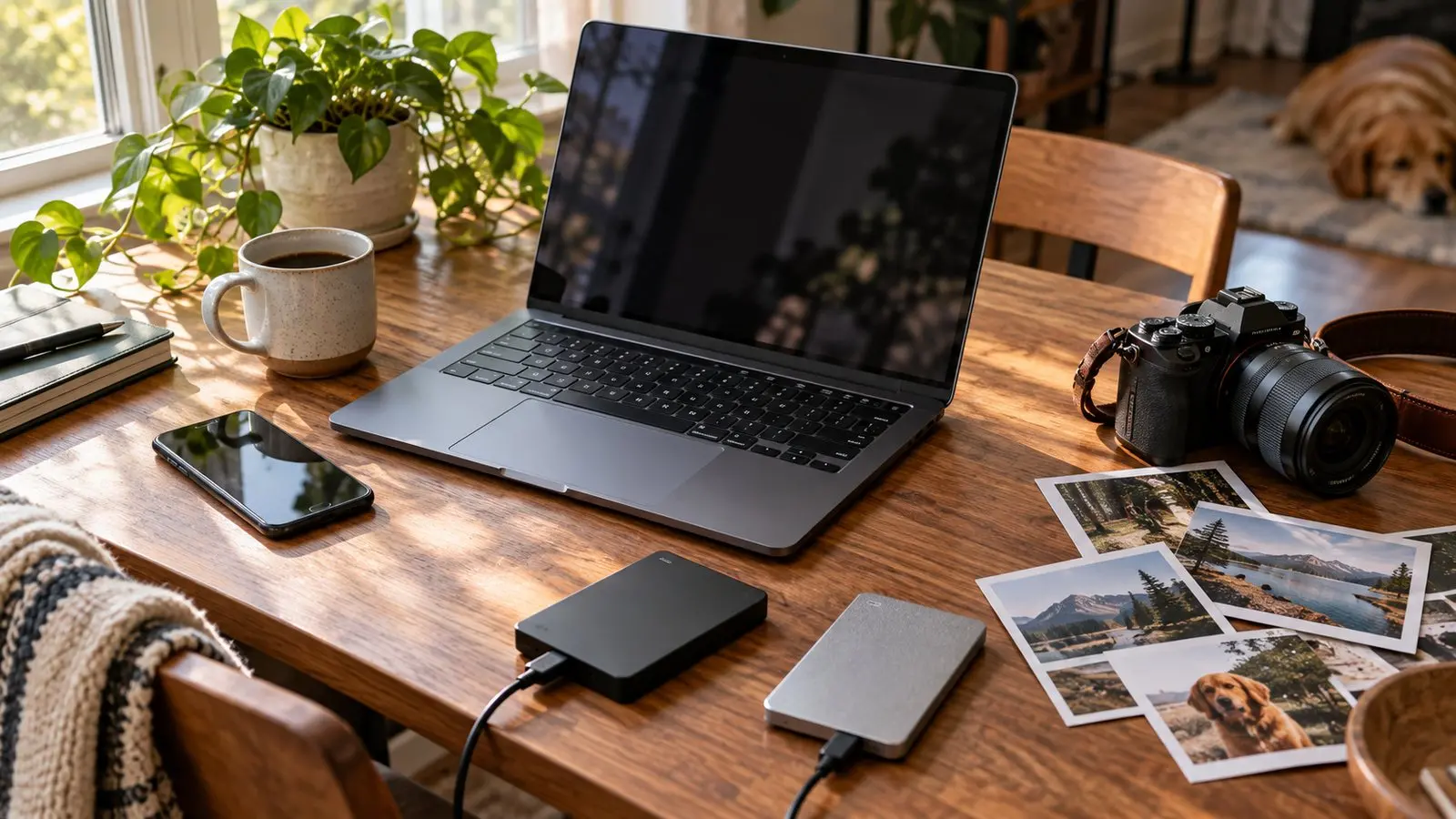
Create a separate photo copy, check what the export contains, and restore a sample into a test folder before relying on it.

A photo visible on two devices may still belong to one synchronized library. Check what deletion does before treating the cloud as a spare copy.

Find what is actually using your phone’s storage, remove replaceable downloads first, and check photo copies before deleting anything important.
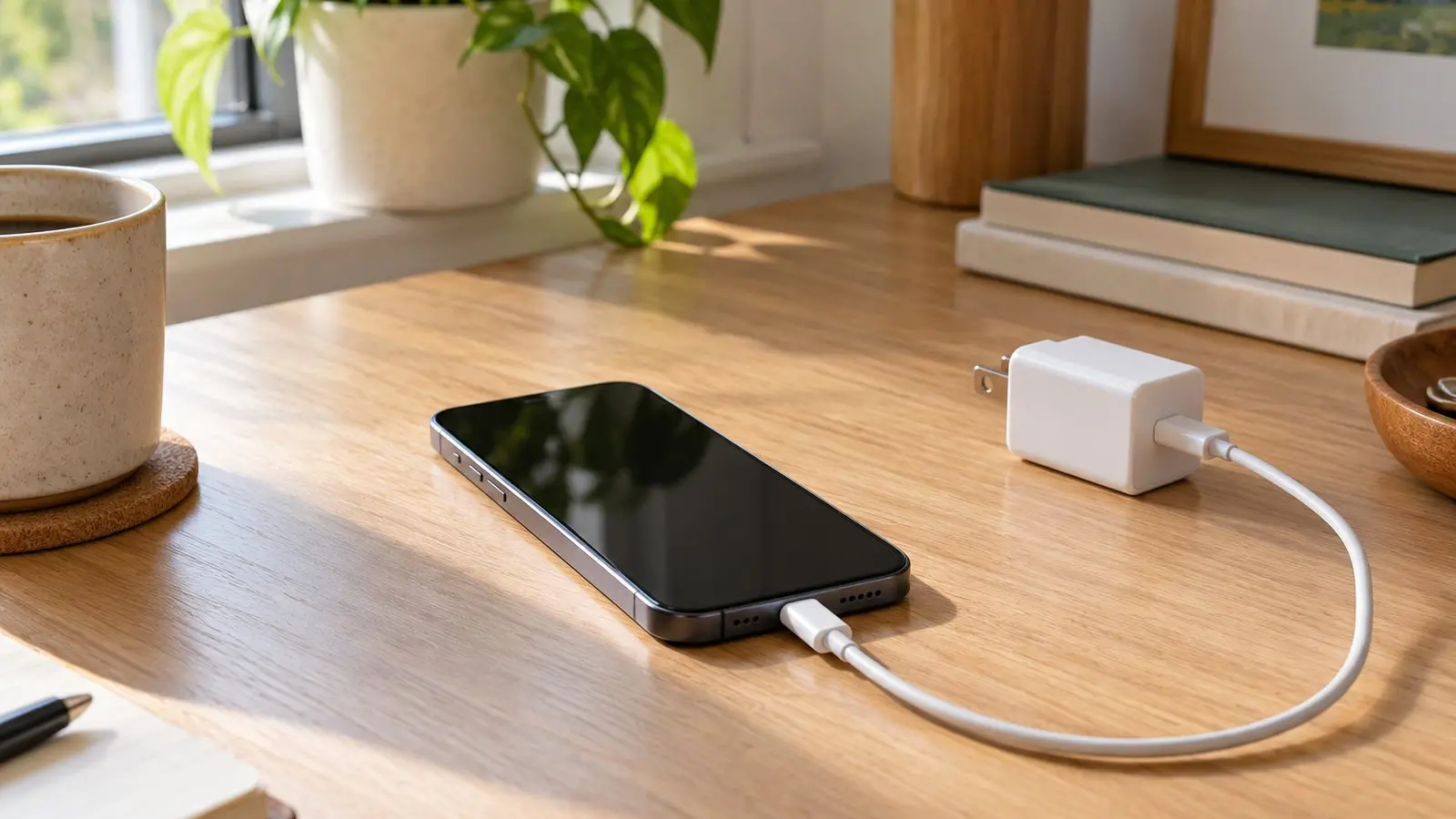
Check charging messages, cables, adapters, temperature, and wireless alignment before buying replacements. Includes a simple comparison log.

Resetting PRAM or NVRAM can fix a few specific startup and settings issues on Intel Macs. If your Mac is simply slow, these checks are usually more useful.