
First check which device is actually sending audio to the headphones. An unexpected change can come from automatic switching, a multipoint connection or an app choosing a different output. These need different fixes.
Keep the headphone model and the two devices’ operating-system versions in your notes. Menu names and connection behavior vary; a setting shown in someone else’s video may not exist on your model.
1. Identify what changed
Play a familiar short clip on the intended device. If it becomes silent, look at that device’s audio-output selector before reconnecting anything.
- The headphones now play another device: investigate switching or multipoint.
- The headphones remain selected but a call app uses speakers: check that app’s speaker/output setting separately.
- Audio cuts out without another source taking over: consider a connection problem rather than assuming switching.
Pause media on the second device, including background browser tabs, and repeat. Change one thing at a time so you can tell what affected the behavior.

2. Understand multipoint
Supported headphones can stay connected to two devices, often to combine computer audio with phone-call access. This does not mean they mix both soundtracks. Playback and call priorities depend on the product.
Sony documents a “Connect to 2 devices simultaneously” option for compatible models. Use your model’s current app or help guide to check whether it is enabled. Do not assume all Bluetooth headphones support multipoint.
For a reversible test, disconnect the headphones from the second device using that device’s Bluetooth controls. Keep them connected to the device you want to hear. If the interruption stops, reintroduce the second connection and repeat the trigger.
Prefer disconnecting this accessory to turning off Bluetooth for the entire computer, especially when your keyboard or mouse depends on it.
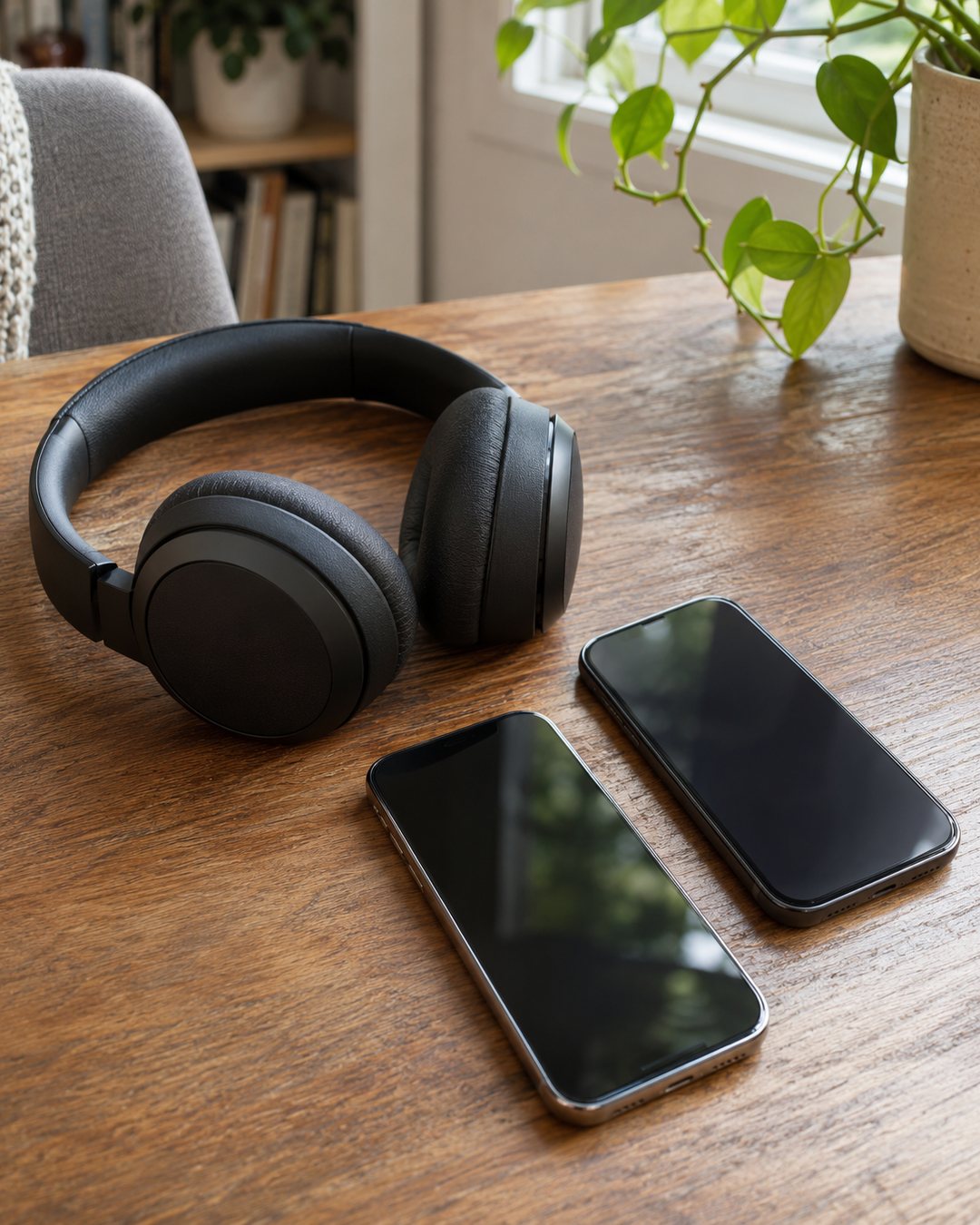
3. Check AirPods automatic switching separately
Apple documents automatic switching between supported AirPods and compatible Apple devices using the same Apple Account. This is distinct from a generic headphone’s multipoint toggle.
On a connected iPhone or iPad, open Settings and choose the AirPods. Open Audio & Routing if shown, then Connect to This iPhone or iPad, and select When Last Connected to This Device.
On Mac, Apple’s current instructions use System Settings → Bluetooth → the AirPods information control, then Audio & Routing if displayed. Under Connect to This Mac, choose When Last Connected to This Mac. Labels depend on software; record the original choice so you can restore it.
Adjust the devices involved in the unwanted transition, then retest. Apple says automatic source changes should not occur during an active conversation such as a call; persistent call problems warrant further troubleshooting rather than being dismissed as normal switching.
A two-device test you can repeat
- Connect headphones to the laptop and play a short clip.
- Keep the phone connected but pause its media.
- Start one phone action that previously triggered a switch.
- Record the source heard and both devices’ output selection.
- Repeat with the second connection disconnected, or the relevant automatic-switch setting changed.
Use this log: headphone model / source A / source B / trigger / setting changed / result / restore needed.
Illustrative entry: “Laptop clip + phone podcast / podcast starts / phone connection temporarily disconnected / compare whether laptop playback continues.” This is a test plan, not a measured result for a particular headset.

When to go further
If the problem persists with only one connected device, check the manufacturer’s connection guidance, charge level and software updates. Save the test notes before considering a reset; resets may remove pairings and settings.
For a separate television audio issue, our dialogue checklist starts with identifying the active sound output.
Official references, checked November 5, 2026: Apple automatic and manual switching; Sony multipoint support. Follow the guide for your exact model.
Images are AI-generated illustrations, not screenshots, tested installations or real private records. Consult model-specific instructions for controls and mechanisms.